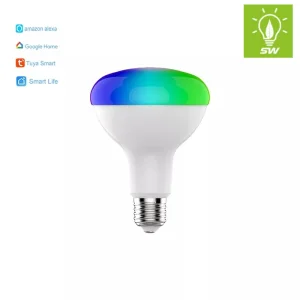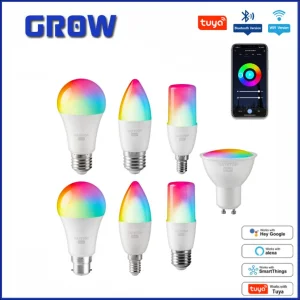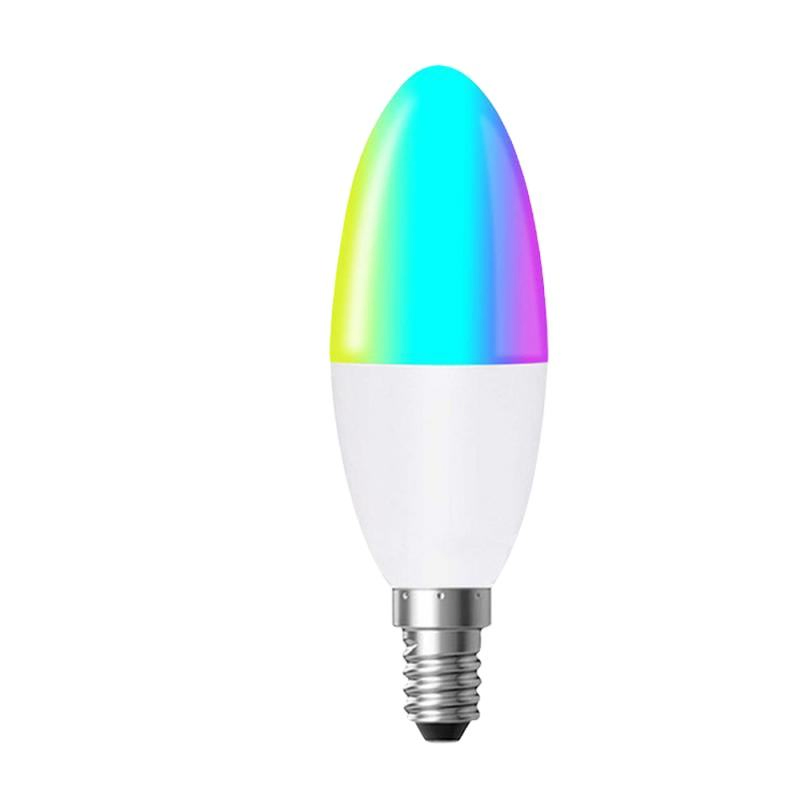
5W Tuya WiFi Smart Candle Bulb E14 with Smart Life APP Voice Remote RGB LED Lamp Bulb Dimmable Works with Alexa Google Home

Still deciding? Get samples of $ !
Order Sample

Product Description

i

Basic Specifications

Model NO.
PS-BR31
Power
5W
Base Type
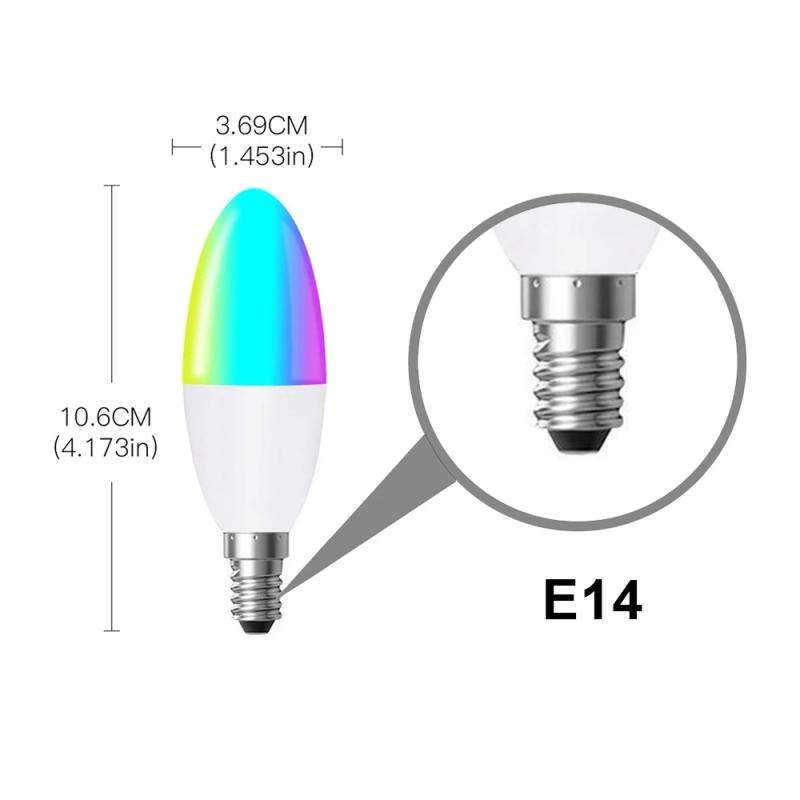
E14
Input Voltage
85-265V
Warranty
2 Years
IP Rating
IP65
Light Color
RGB / Color Scanning
Lifespan
40,000 Hours

Key Features

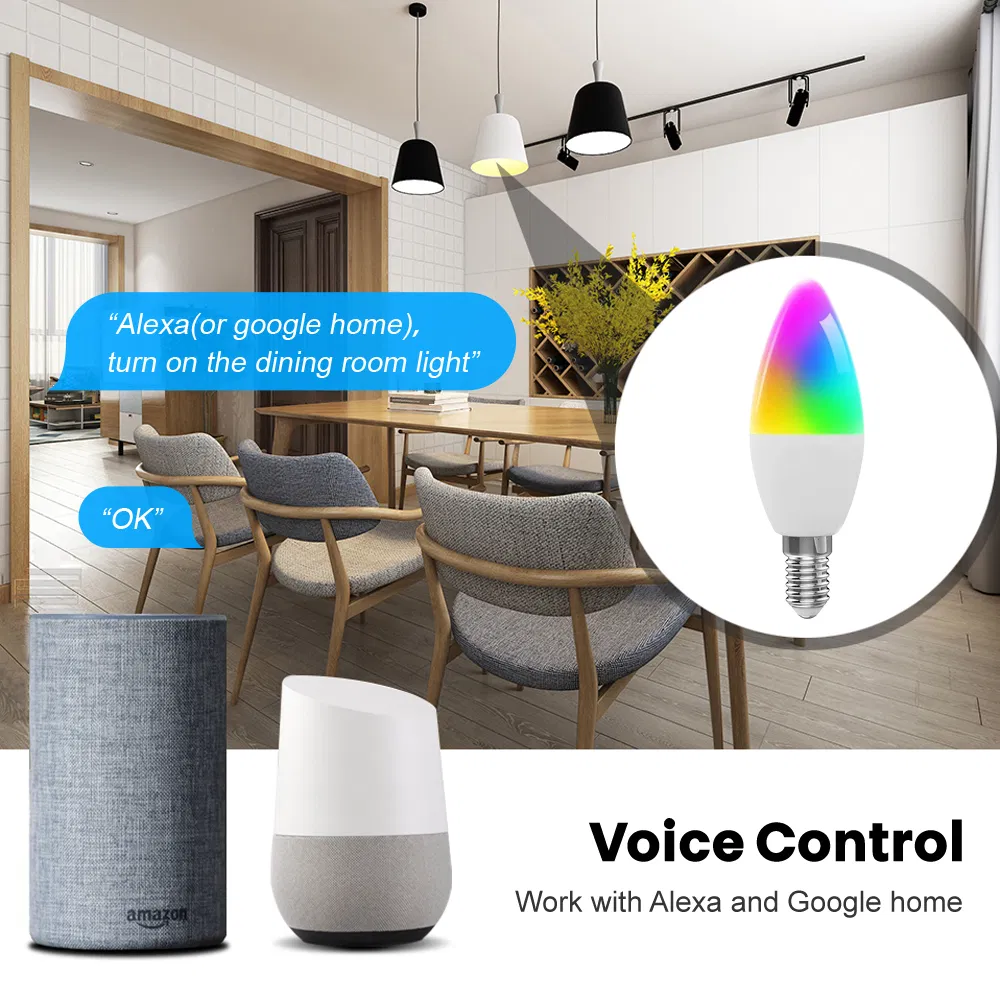
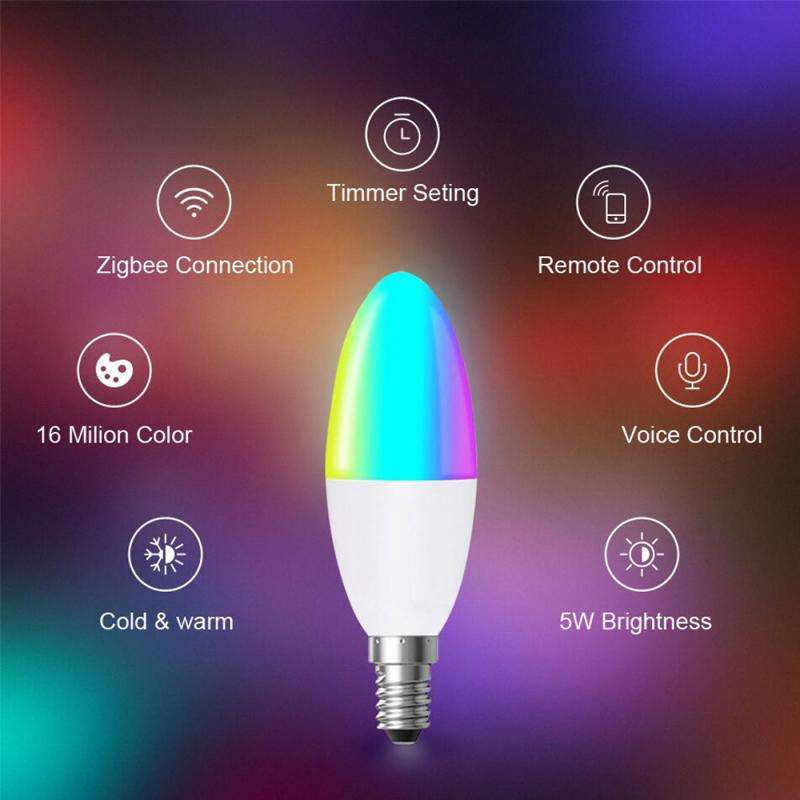
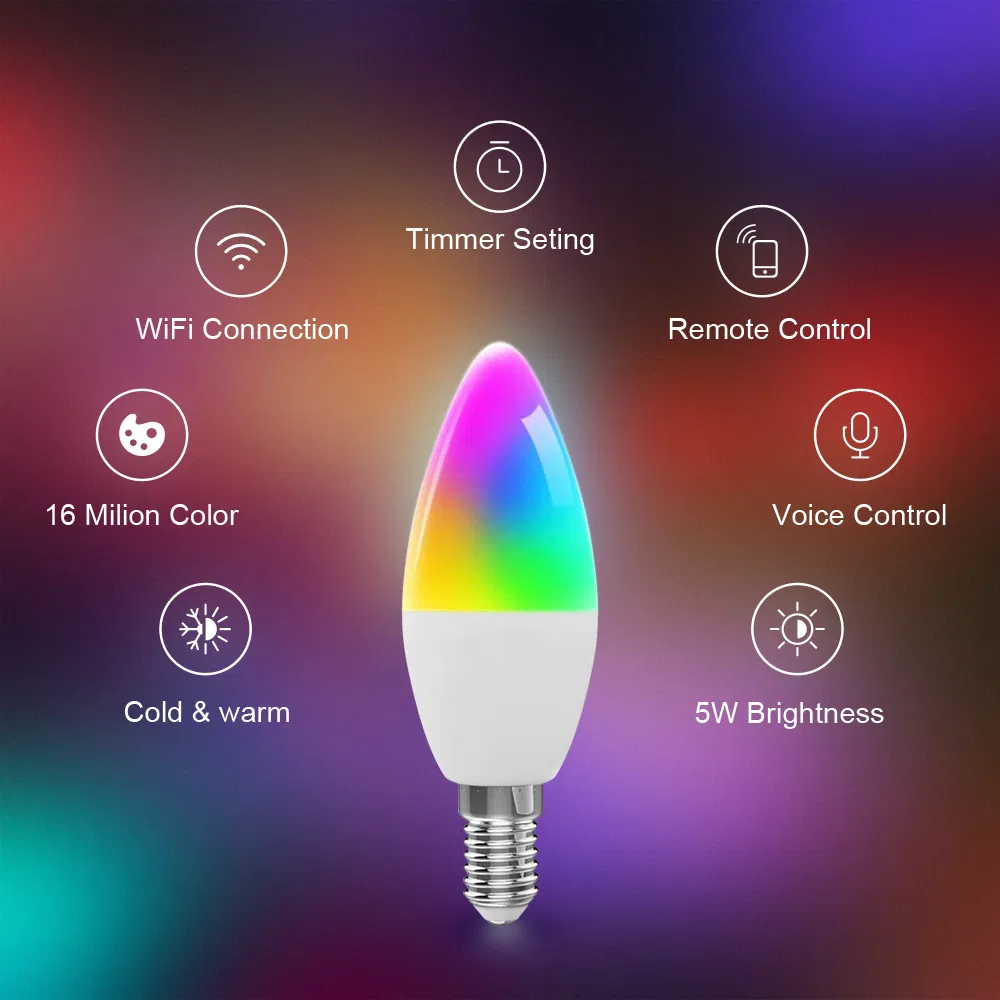
• Voice Control: Works with Alexa, Google and IFTTT for hands-free lighting control.

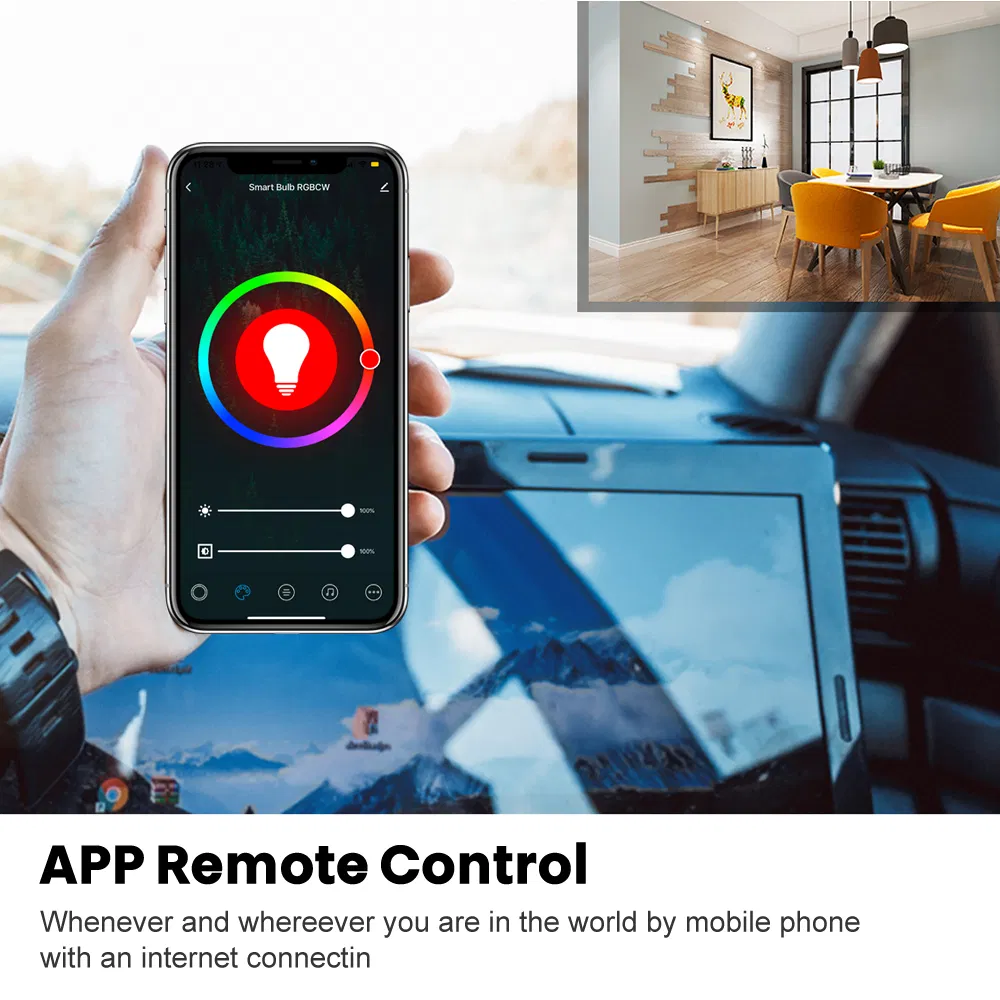
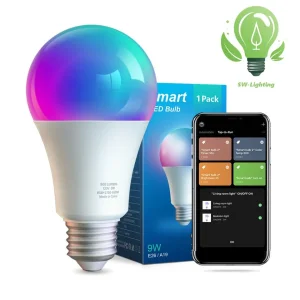
• APP Remote Control: Manage your lighting from anywhere via the "Smart Life" APP (2.4GHz Wi-Fi).

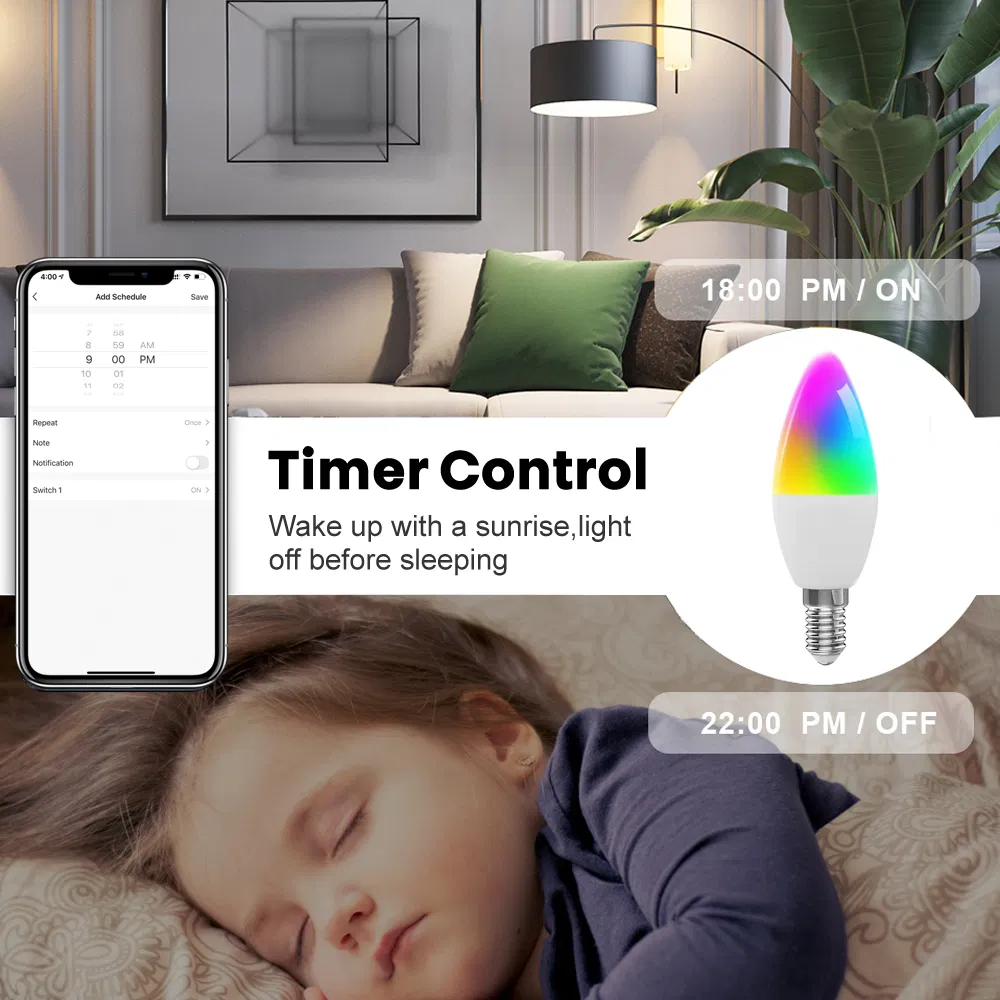
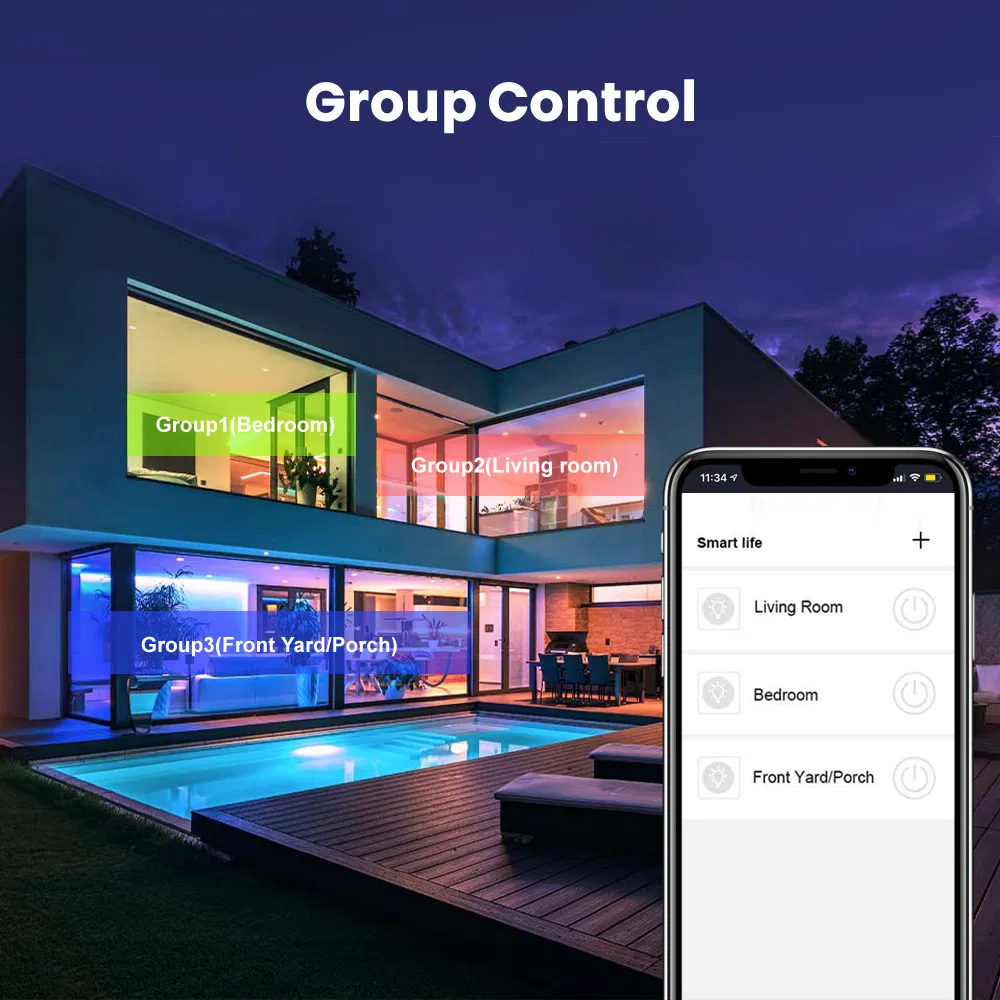
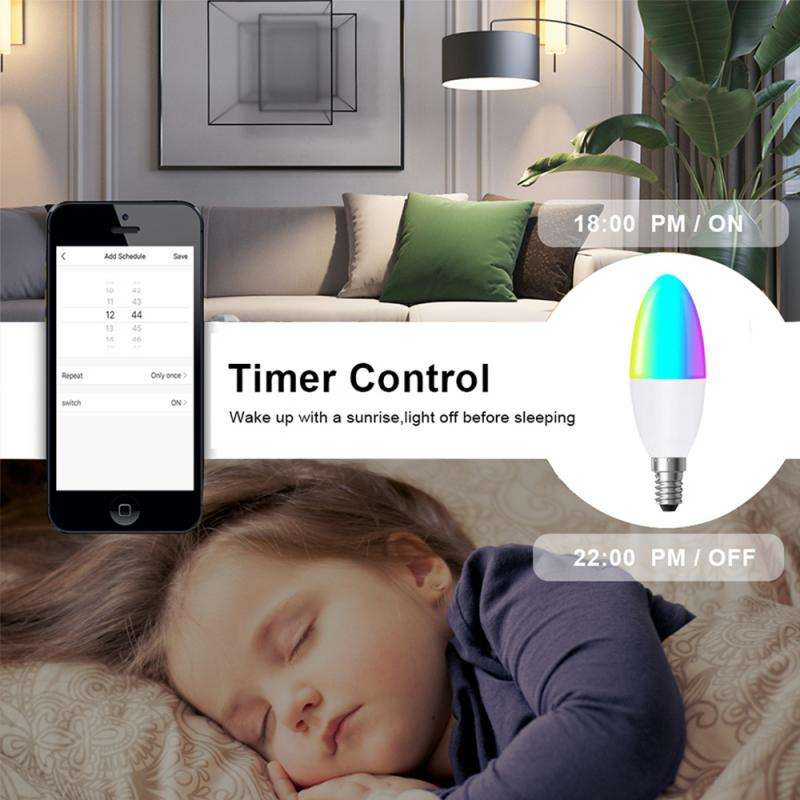
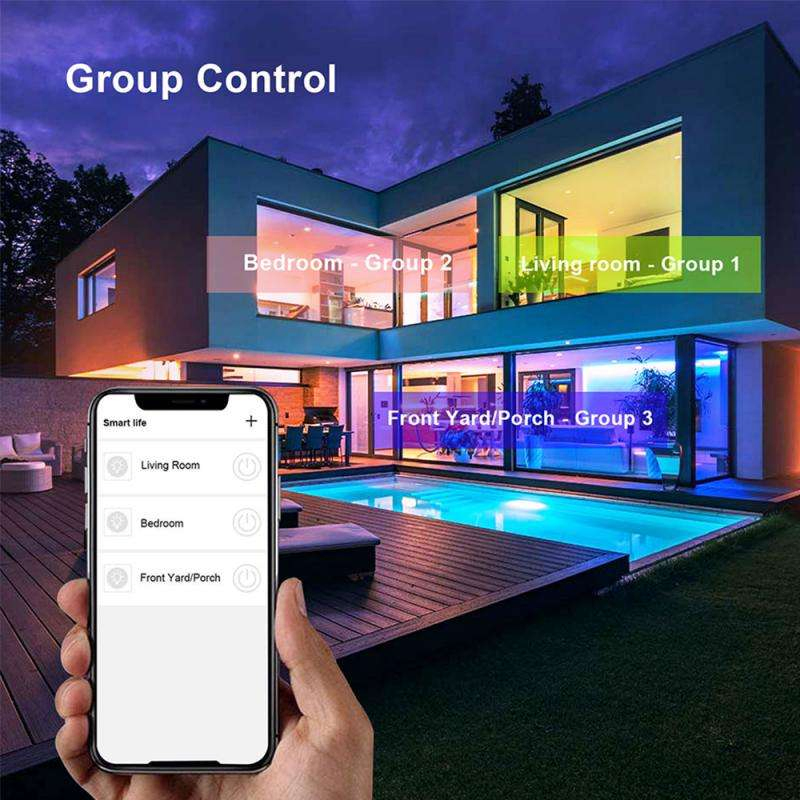
• Group Control & Schedule: Sync multiple bulbs and set automatic timers for your convenience.

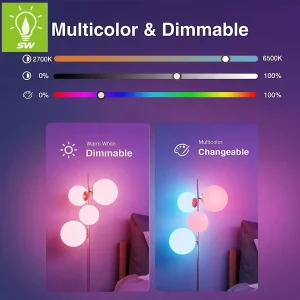
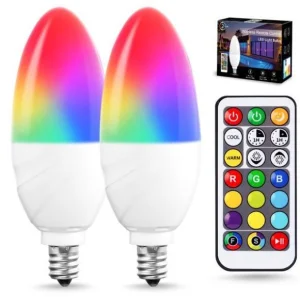
• RGBCW Multi-Color: 16 million colors and dimmable warmth from 2700K to 6500K.

• Easy Setup: No hub required, standard E14 socket compatible.
1

Setup Instructions

  1. Download the Smart Life app from Apple Store or Google Play and register.
  2. Power on the bulb; ensure it flashes rapidly. If not, toggle power three times.
  3. In the app, click "+" and select "Lighting Devices".
  4. Confirm the flashing status and enter your 2.4 GHz WiFi password.
  5. Wait for the connection to complete 100%.
P

Product Gallery

?

Frequently Asked Questions

Does this bulb support 5GHz Wi-Fi?
No, the bulb only supports 2.4GHz Wi-Fi networks for the initial pairing process. You can turn 5GHz back on after setup.
Can I control the bulb when I am away from home?
Yes, as long as the bulb is connected to Wi-Fi and your smartphone has internet access, you can control it via the Smart Life app from anywhere.
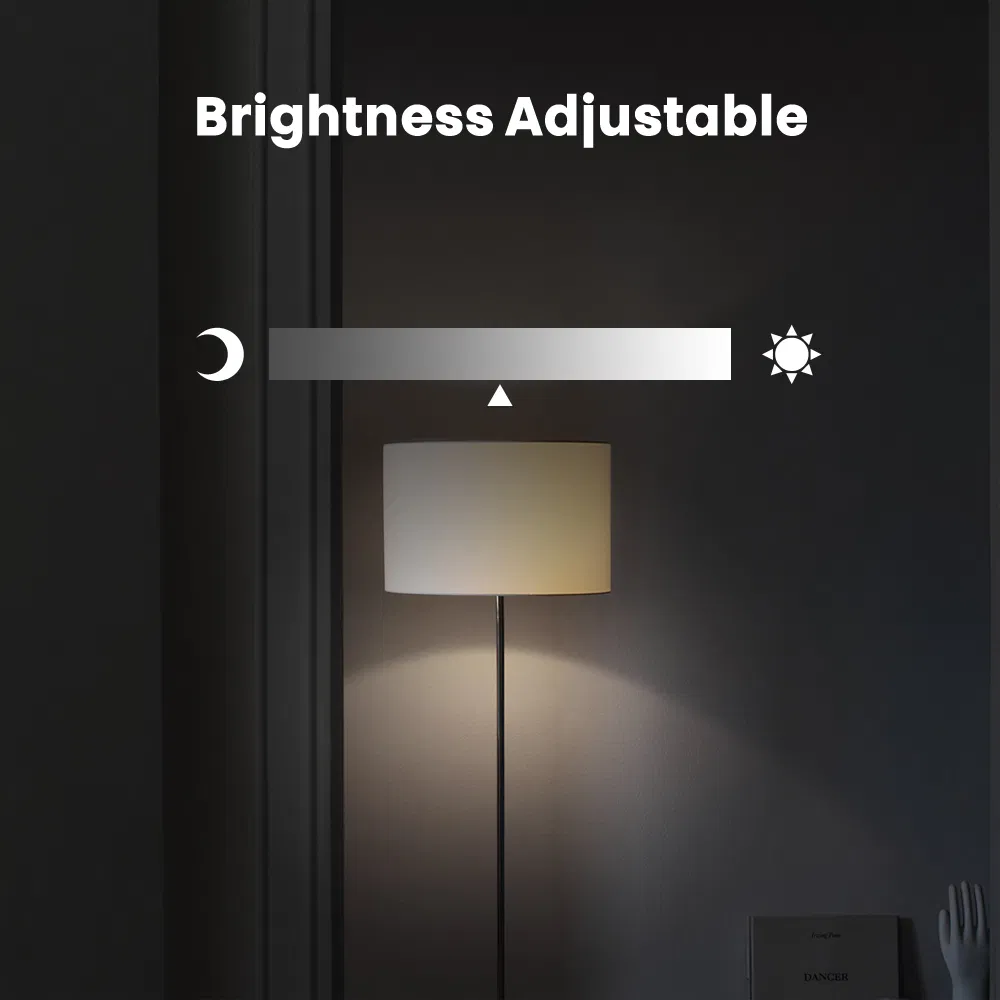
Is the brightness of the bulb adjustable?
Absolutely. The bulb is fully dimmable through the app or using voice commands via Alexa/Google Home.
What is the color temperature range?
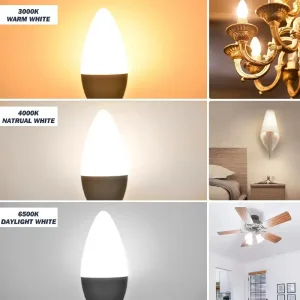
The bulb supports RGBCW, meaning it offers 16 million colors plus adjustable white light from 2700K (Warm) to 6500K (Cool).
How long is the warranty for this product?
This smart candle bulb comes with a 2-year warranty covering manufacturing defects.
What should I do if the bulb doesn't flash during setup?
Turn the power switch off and on three times consecutively to reset the bulb into pairing mode.

Related Products